ClubGG has won the title of the most popular place to play online poker through private clubs, but the native client offers very limited configuration and basically no real hotkey workflow. That makes playing fast (and multi-tabling efficiently) harder than it needs to be.
Jurojin's ClubGG support is built to fix that — giving you a modern gameplay experience focused on hotkeys, bet sizing, and overlays that keep you in flow.
![How to Set Up Hotkeys in Jurojin Poker [Step-by-Step Guide]](https://res.cloudinary.com/jurojinpoker/image/upload/v1769009562/hotkeys-youtube_kq00ds.png)
This FAQ will walk you through the key features in Jurojin's ClubGG support, with an emphasis on gameplay speed and betting control.
Does ClubGG have hotkeys by default?
No. Compared to other poker clients, native ClubGG has very few productivity tools: No shortcuts, only 4 limited bet-sizes,very limited customizations.
Jurojin adds the missing layer: hotkeys + overlays designed for speed, consistency, and multi-tabling.
ClubGG Hotkeys in Jurojin
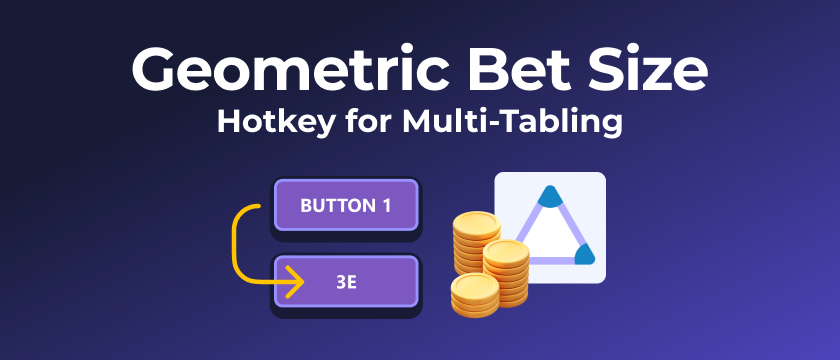
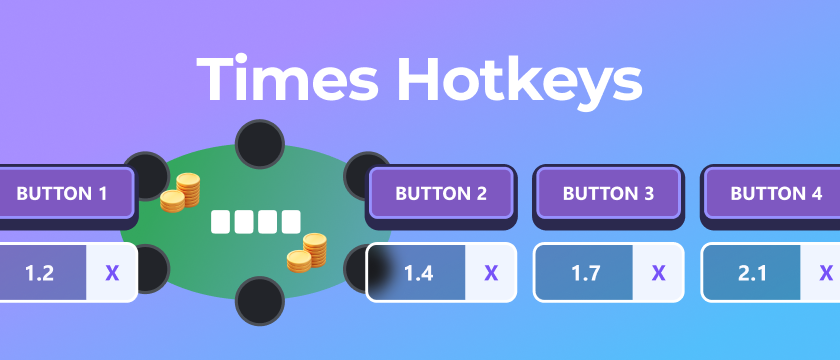
With Jurojin, you can map your most frequent actions to comfortable bindings (keyboard or mouse) and keep your decisions consistent across tables. Extending your flexibility to repetitive actions and up to 16 different bet-sizes.
Why hotkeys matter for ClubGG gameplay
- Play faster with fewer misclicks and less cursor travel.
- Stay in flow state during long sessions and high-volume formats.
- Multi-table more comfortably with consistent action patterns.
- Standardize your betting strategy with repeatable sizes.
Bet Buttons Overlay
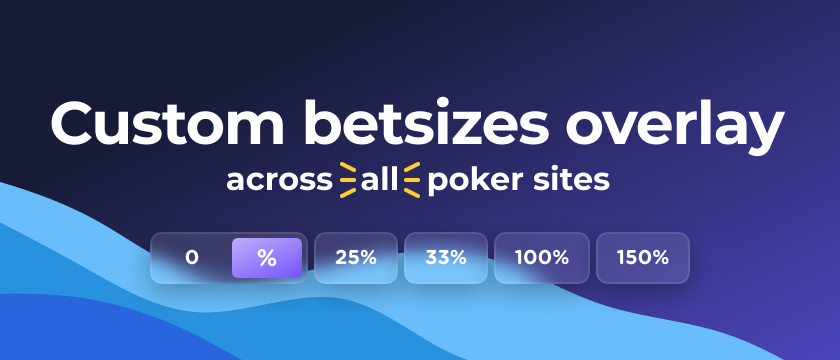
Jurojin's Bet Buttons Overlay is designed to make bet sizing quick and reliable — especially when native ClubGG offers limited controls.
What you can do with the Bet Buttons Overlay
- Access multiple predefined sizes instantly (no manual typing every time).
- Combine bet buttons with hotkeys for lightning-fast execution.
- Keep your sizing logic consistent across tables and session phases.
Mouse Wheel: Increase / Decrease Bet Size
This is one of the biggest quality-of-life upgrades for ClubGG gameplay: you can modify the bet size using your mouse wheel.
- Scroll up/down to increase / decrease bet size quickly.
- Great for small adjustments without losing focus on the table.
- Pairs perfectly with bet buttons: pick a baseline size, then fine-tune with the wheel.
Actions History Overlay
The Actions History Overlay helps you keep track of what happened in the hand without relying on memory or constantly scanning the table.
- See action sequences more clearly in real time.
- Reduce mistakes when multi-tabling or playing fast formats.
- Improve decision quality by having context always visible.
Positions Overlay
Knowing positions quickly matters for preflop ranges, 3bet spots, and postflop lines. Jurojin's Positions Overlay makes that information instantly visible.
- Instant clarity on who is BTN / CO / HJ / etc.
- Helps speed up decisions and reduce "where am I?" moments.
- Especially useful when table layouts are tight or compact.
Pot Odds, Effective Stack & More
Jurojin also provides extra table context tools to help you make better decisions faster, including pot odds, effective stack, and additional overlays built for high-efficiency gameplay.
What else does Jurojin support for ClubGG?
Jurojin's ClubGG support continues to expand with new features and improvements. To see the full list of supported features and what's coming next, check our ClubGG page.