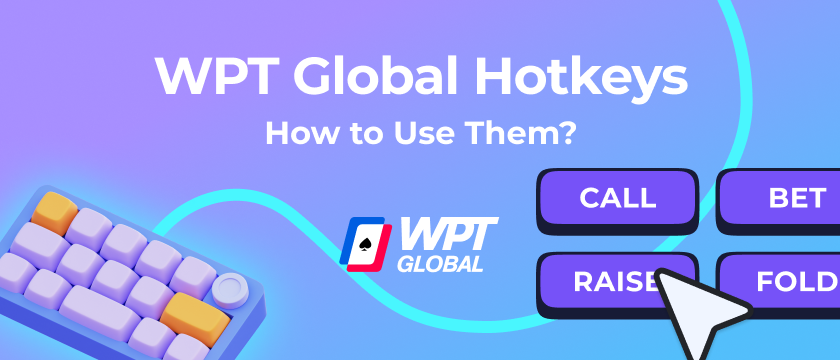
By default WPT Global does not provide hotkeys functionality. Instead, players use JurojinPoker to customize their gameplay — and with Jurojin's WPT Global integration, hotkeys work fully on the network.
Previously, Jurojin on WPT Global relied on a limited proxy approach that only covered basic table actions. From this release onward, JurojinPoker provides hotkeys for actions and bet sizing — plus support for Bet Buttons with preset sizings — developed with the approval of the WPT Global Security Team.
What Actions Can You Bind on WPT Global?
Jurojin ships with no hotkeys pre-assigned by design, so bindings won't conflict with different keyboard layouts or multi-site setups. Configure them once in the Hotkeys panel and they persist across sessions. On WPT Global you can bind:
- Fold — automatically checks if checking is the available option
- Check/Call
- Bet/Raise
- Bet Sizing Hotkeys — up to 16 preset sizes for preflop and postflop
- Bet Buttons — one-click preset bet sizes without typing into the bet box
Both keyboard keys and mouse side-buttons are supported. Jurojin processes hotkey inputs globally, so they remain active even if another app has focus momentarily.
👉We recommend to setup 'Send Hotkey To table Under Mouse' for more accurate gameplay.
What to use as Hotkeys on WPT
There are 2 player profiles when it comes to hotkeys setup, Keyboard & Mouse bindings.
In our experience, most players find more comfortable playing with Mouse Bindings for the most repetitive actions like folding, and maybe the most common betsizing to the side-mouse buttons, and ultimately other actions on the keyboard.
Recommended Hotkey Bindings for WPT
| Action | Binding |
|---|---|
| Fold | Mouse Right-Click |
| Check/Call | A |
| Bet/Raise | S |
| Bet Size 1 (eg: preflop 2.5 BB | postflop: 33%) | Q |
| Bet Size 2 | W |
| Bet Size 3 | E |
| Bet Size 4 | R |
What About Bet Sizes?
JurojinPoker provides hotkeys for actions and bet sizing on WPT Global. You can bind preset sizings to keyboard or mouse keys, and also use Bet Buttons — the one-click betting overlay — to fire standard sizes instantly without typing into the bet box.
How to Configure Hotkeys & Bet Buttons
Open Jurojin and navigate to the Hotkeys panel to assign bindings for each action. For bet sizing, go to the Bet Sizes section and assign values to each button slot — as a percentage of pot, a fixed BB amount, or a combination. Changes take effect immediately, no restart required.
Benefits of Using JurojinPoker on WPT Global
With full hotkey support on WPT Global, Jurojin brings the same action-speed workflow you use on other networks — plus a growing set of comfort and table-management tools available on the network.
- Full action hotkeys — Fold, Check/Call, and Bet/Raise via keyboard or mouse
- Bet sizing hotkeys — preset preflop and postflop sizes bound to keys
- Bet Buttons — preset sizings without manual bet-box input
- Action Required Tiling — designed to help you manage 4+ tables with ease
- Color Stack, Font Increase, AntiSitout, VPIP Slots — and more on WPT Global
For a full breakdown of every feature available on WPT Global, check the dedicated features guide: