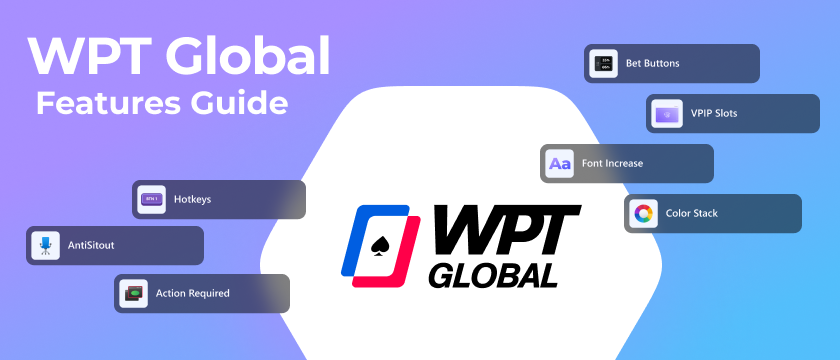
WPT Global is a growing poker network, and with the WPT Global Beta integration for Jurojin Poker you can now multi-table there with a focused set of comfort and table-management tools. This guide covers each feature developed for WPT Global — what it does, how it fits into a session, and where to configure it.
Features Developed for WPT Global
The WPT Global Beta brings together action shortcuts, visual comfort tools, and tiling helpers designed for high-volume sessions. Below is everything currently available:
- Bet Buttons — one-click preset bet sizes without typing into the bet box
- Hotkeys — keyboard and mouse bindings for actions and bet sizing
- Color Stack — color-coded stack depth tags for every player at the table
- Font Increase — larger text overlays for pot sizes, stacks, and action labels
- AntiSitout — automatic sit-in when WPT Global would otherwise time you out
- VPIP Slots — session-level VPIP tracking tied to your tiling layout
- Action Required — flags the table that needs your attention in a multi-table setup
Bet Buttons
Bet Buttons are a one-click betting interface that lets you execute predefined bet sizes without typing a number into the bet box. Each button maps to a preset amount or percentage, so you can fire your standard sizing instantly at any table.
Open Jurojin, navigate to the Bet Sizes section in the settings panel, and assign values to each button slot. You can define them as a percentage of pot, a fixed BB amount, or a combination. Changes take effect immediately — no restart required.
Hotkeys
WPT Global does not ship with a built-in hotkey system. Through Jurojin — developed with the approval of the WPT Global Security Team — JurojinPoker provides hotkeys for actions and bet sizing. You can bind any keyboard key or mouse side-button to:
- Fold — automatically checks if checking is the available option
- Check/Call
- Bet/Raise
- Bet Sizing Hotkeys — up to 16 preset sizes for preflop and postflop
Jurojin ships with no hotkeys pre-assigned by design, so bindings won't conflict with different keyboard layouts or multi-site setups. Configure them once in the Hotkeys panel and they persist across sessions.
Color Stack
Color Stack assigns a visual color tag to each player at the table based on their stack size relative to the big blind. Short, medium, and deep stacks each get a distinct color, letting you read effective stack depth at a glance without calculating during a multi-table session.
In tournaments, stack-to-blind ratios change constantly as blinds escalate. Color Stack removes the mental overhead of recalculating effective stacks every orbit — which matters most when you're running 4+ tables and stacks are shifting simultaneously across all of them.
Font Increase
Font Increase scales up the text for key table elements — pot sizes, stack amounts, blind levels, and action labels. It does not affect table graphics; only the text overlays that Jurojin controls are resized.
On high-DPI displays or when tables are tiled across a wide monitor, WPT Global's default font sizes can make relevant numbers hard to scan quickly between hands. Font Increase solves this without requiring you to upscale the entire table window — a common need in multi-monitor setups.
AntiSitout
AntiSitout monitors your active tables and automatically posts your blinds or clicks the "Sit In" prompt when WPT Global would otherwise time you out. It runs passively in the background and does not interfere with your normal decision-making at the table.
The feature handles all active WPT Global tables at once — at 6+ tables, the likelihood of missing a sit-in prompt on at least one table is high without automation.
VPIP Slots
VPIP (Voluntarily Put money In Pot) measures how often a player enters a pot preflop. A high VPIP signals a loose player; a low VPIP signals a tight one. With VPIP Slots, Jurojin surfaces this stat within your tiling layout so you can adjust preflop ranges and postflop aggression without manually tracking tendencies across hands.
VPIP Slots are part of Jurojin's stack-and-tile system — they work alongside In-Hand Slots and dynamic table movement to help you focus on the tables where you're actually involved in a pot.
Action Required
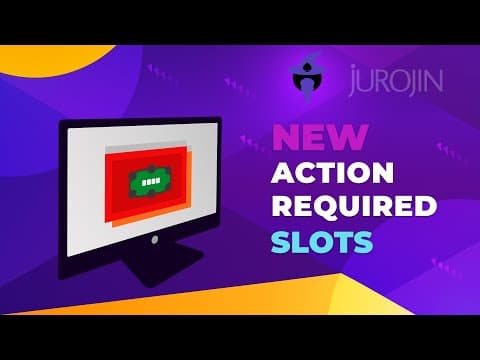
Action Required monitors the state of each WPT Global table window and detects when it's your turn to act. The relevant table is then flagged — brought into focus or highlighted in your tiling layout — depending on how your session is configured.
The feature integrates with Jurojin's tiling system regardless of layout type. Whether you're using a static mosaic or a stacked layout with dynamic urgency, no layout switch is required to benefit from it.
Frequently Asked Questions
Do hotkeys work while other applications are in focus?
Jurojin processes hotkey inputs globally, so they remain active even if another app has focus momentarily. Avoid binding keys that conflict with system shortcuts — the overlap can cause missed inputs on busy tables.
👉We recommend to setup 'Send Hotkey To table Under Mouse' for more accurate gameplay.
Can I customize Color Stack ranges?
Yes. In Jurojin's settings you define the BB thresholds that separate each stack category. The defaults are calibrated for common tournament formats; cash game players typically shift the thresholds upward to reflect deeper stack dynamics.
Are there conditions where AntiSitout won't trigger?
AntiSitout will trigger anytime it sees the "Sit back in" button.
Where does the VPIP data come from?
VPIP — meaning put money in the pot — will be inferred from your actions at the current hand.
What happens if two tables need action at the same time?
Jurojin queues them by detection order and cycles sequentially. In practice, WPT Global's action timers are long enough that this creates no meaningful conflict. For very high table counts, combining Action Required with a stacked layout gives you the best per-table control.
How do I report a bug or give feedback on the WPT Global Beta?
The fastest channel is the Jurojin Discord server, where there's a dedicated beta feedback space. For bugs that need a diagnostic trace, use the in-app reporting tool — it bundles the relevant logs automatically.